1. Home
  2. Services
  3. Wearable App Development
Smartwatch Apps Austin, TX · since 2018

Wearable App Development for Apple Watch and Wear OS

We build watch apps that do one job in a few seconds, respect the battery and handle health data with the care users expect.

678apps built
465+clients
Top 4%developer intake
Wearable App Development project by SIZ Group
10M+downloads by client users
From $4,500free scoping call
Overview

A watch is not a small phone

Good wearable app development starts by accepting how people use a watch. Interactions last a few seconds, the screen is the size of a postage stamp and the battery has to last all day. Most successful smartwatch apps show one glanceable piece of information, capture one quick input or run one focused session such as a workout.

SIZ Group is an Austin based team founded in 2018, and we have designed and developed 678 apps across phones, tablets and wearables. On watch projects we spend more time deciding what to leave out than what to add. A feature that is pleasant on a phone can be useless on a wrist, while a single well placed complication can become the reason people keep your app installed.

This page covers watchOS and Wear OS work, usually as part of a wider product. If you only need a phone app, start with our iOS or Android development pages.

What we deliver

Our wearable app development services

We build for the watch on its own or as an extension of your existing mobile app.

01

Apple Watch app development

We build watchOS apps in SwiftUI, with complications and Smart Stack widgets built on WidgetKit. Where it fits, we add workout sessions, haptic feedback, Siri shortcuts and Live Activity style updates that keep users informed without opening the app.

02

Wear OS app development

We build Wear OS apps in Kotlin with Compose for Wear OS, plus tiles for quick access and complication data sources for watch faces. We test on round and square displays and across devices from different manufacturers.

03

Health and fitness data

We read and write data through HealthKit on Apple devices, and through Health Services on Wear OS with Health Connect on the Android phone. Each data type is requested only when the feature needs it, with a clear explanation shown first.

04

Companion and standalone apps

A companion app leans on the phone for sign in, settings and heavy processing. A standalone app installs and works on the watch alone, including on LTE models, which needs its own networking and authentication plan.

05

Phone and watch sync

We use WatchConnectivity on iOS and the Wearable Data Layer on Android to move data between devices. Sync is designed to survive the watch being out of range, asleep or on low power.

06

Sensors and connected devices

We work with heart rate, motion and location data from the watch, and connect to external Bluetooth Low Energy devices such as chest straps, scales and custom hardware where the platform allows it.

Why SIZ Group

Why teams trust us with watch projects

Wearable projects go wrong when a phone design is shrunk onto a watch, or when background work drains the battery and the app gets uninstalled within days. We design for glance time, test on physical watches and measure energy use as part of every release.

We hire only the top 4% of developer applicants, and our team brings more than 10 years of collective experience. Apps built for our clients have passed 10 million downloads, so we know how platform updates and store review affect apps that live on more than one device.

Talk to us
  • Glance first designEvery screen is designed to be read or acted on in a couple of seconds, with large targets and minimal text.
  • Battery aware engineeringBackground refresh, sensor sampling and network calls are budgeted so the app does not show up as a drain in battery settings.
  • Careful with health dataPermissions are requested in context, data stays on device where possible and nothing health related is used for advertising.
  • Both ecosystemsWe build for watchOS and Wear OS and explain where features will differ, rather than promising identical apps.
How we work

How we build a watch app

One team from first call to launch, with demos at every milestone.

01

Kickoff and use case

We start with a free chat to define the one or two moments where the watch beats the phone for your users. We also decide early whether the app is a companion or standalone.

02

Glance design and prototype

We design complications, tiles and the core screens at real size and test them on actual watches. Text and tap targets that look fine on a laptop often fail on a wrist, so this step catches those problems early.

03

Development and sync

We build the watch app alongside any phone app changes and the sync layer between them. Health permissions, background tasks and notifications are implemented following each platform's current guidelines.

04

Device and battery testing

We test on several watch models, screen shapes and OS versions, with the phone nearby and out of range. Energy use is profiled during typical sessions and long background periods.

05

Launch and ongoing updates

We prepare store listings, privacy disclosures and review notes for health permissions. After launch, we update the app for each new watchOS and Wear OS release under a support plan.

Tech stack

Wearable platforms and frameworks

Wearables are built natively on each platform, since cross-platform frameworks have limited watch support.

watchOSSwiftUIWidgetKit complicationsHealthKitWorkoutKitWatchConnectivityWear OSKotlinCompose for Wear OSTiles APIHealth ServicesHealth ConnectWearable Data Layer APIBluetooth Low Energy
Who it's for

Where smartwatch apps earn their place

Fitness and training

Workout tracking, interval timers, coaching cues through haptics and post session summaries synced to the phone.

Wellness and health programs

Habit reminders, medication prompts and activity goals, with health data handled under each platform's privacy rules.

Field and frontline work

Hands free alerts, task check offs and quick status updates for staff who cannot keep pulling out a phone.

Travel, mobility and smart home

Boarding updates, ride status, door access and device controls that are faster to use from the wrist.

Pricing

What affects the cost of a wearable app

The first driver is platform count: one watch platform or both. watchOS and Wear OS use different languages, UI frameworks and health APIs, so building for both is close to two separate watch projects even when the phone app is shared.

The second driver is how much the watch does on its own. A companion app showing data from the phone is the lightest option. Standalone apps with their own sign in and networking, live workout tracking, external Bluetooth devices or detailed health data handling all add design, engineering and testing time.

Mobile apps at SIZ Group start at $4,500, and a watch extension to an existing app can sit near that starting point when the scope is small. We confirm a fixed scope and price in writing after a free scoping call where we review your phone app and target devices.

Mobile apps start at
$4,500

Every project is scoped on a free call and confirmed in writing before work starts.

  • Fixed scope and clear milestones
  • Design, build, testing and launch
  • Post-launch support available
Get my estimate
Recent designs

Apps our team has designed

All case studies
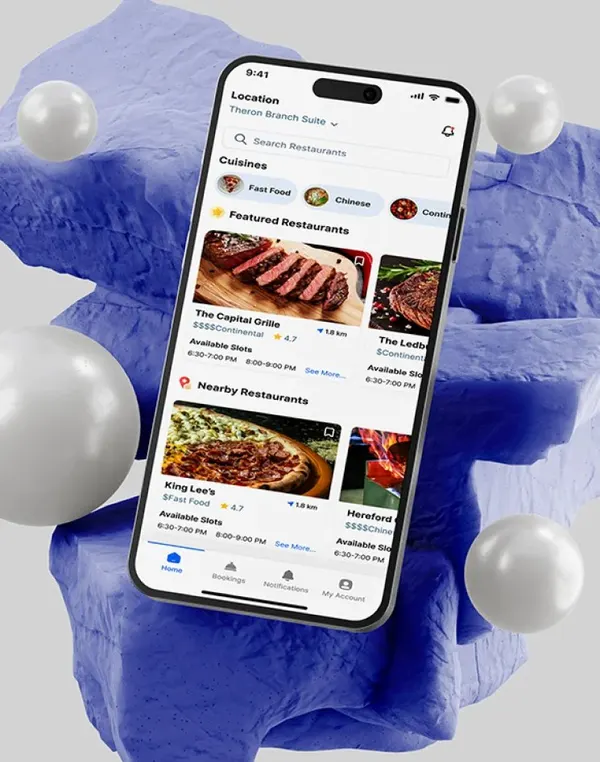
Restaurant finder app design
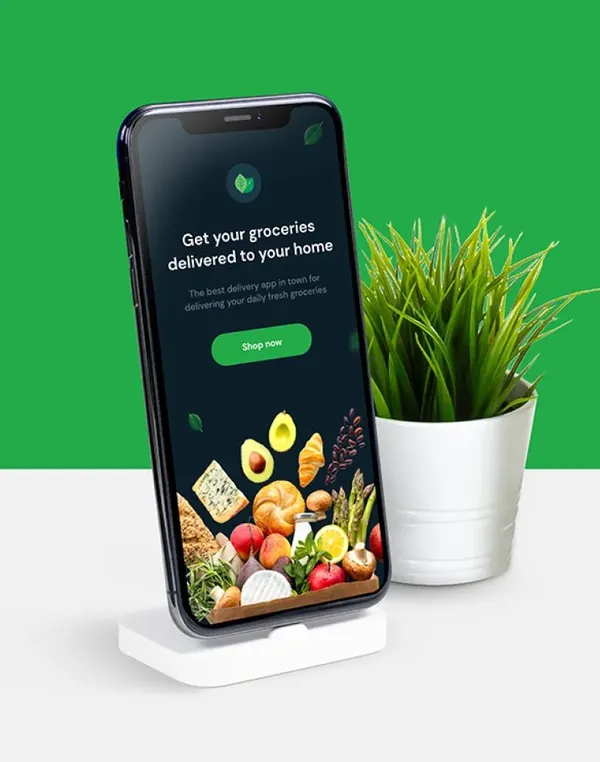
Grocery delivery app design
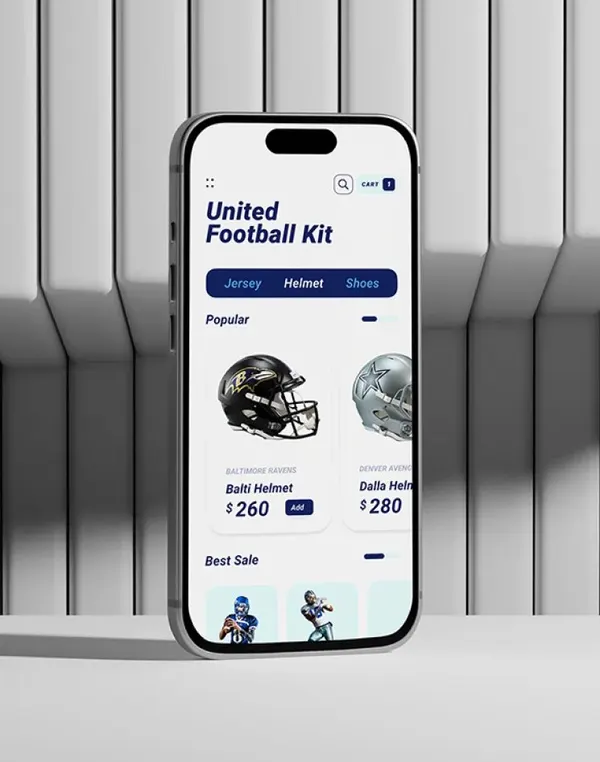
Sports store app design
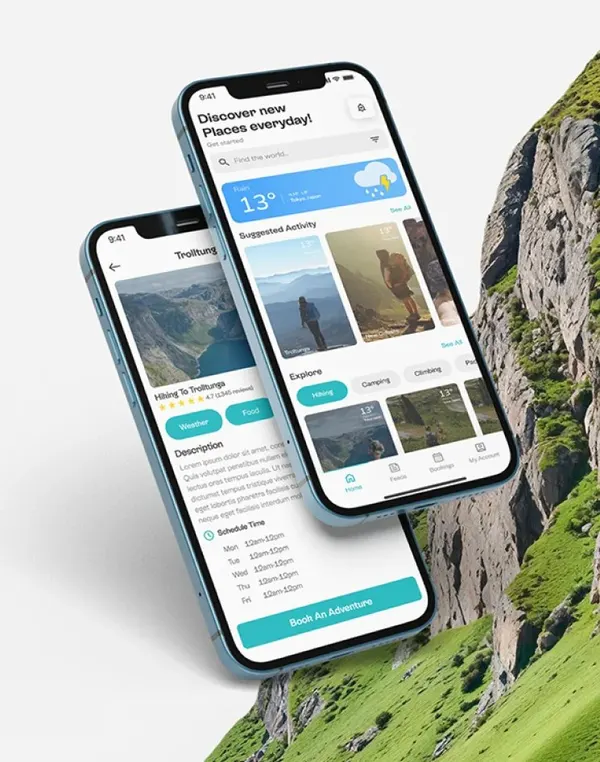
Trail finder app design
FAQ

Frequently asked questions

Still curious? Call +1 254 323 2698 or write to info@sizgroup.com.

What does wearable app development include?+

Wearable app development covers designing and building software for smartwatches and similar devices, plus the sync, backend and phone app changes that support it. For most clients that means a watchOS app, a Wear OS app or both, with complications or tiles, notifications and sometimes health data.

Do I need an iPhone app to have an Apple Watch app?+

Not always. Since watchOS 6, Apple Watch apps can be independent and installed from the App Store on the watch. Many products still ship with an iPhone app because setup, account management and detailed history are easier on a larger screen.

Can one codebase cover Apple Watch and Wear OS?+

Not in a practical way today. Watch apps are built natively with SwiftUI on watchOS and Kotlin with Compose on Wear OS. Shared business logic and a shared backend reduce duplication, but each watch interface is built separately.

How do you handle HealthKit permissions?+

Users grant read and write access per data type, and an app cannot see whether read access was denied, so we design screens that work with missing data. Apple also forbids using HealthKit data for advertising or selling it, and requires a clear privacy policy. We build those rules into the design and the store submission.

Will the app drain the watch battery?+

Not if it is built correctly. We limit background refresh, sample sensors only during active sessions, batch network calls and rely on complications or tiles for quick information instead of keeping the app awake.

Can you add a watch app to our existing phone app?+

Yes, this is one of our most common requests. We review your current code and backend, identify the moments where the watch helps most and build the watch app and sync layer without disrupting the phone app.

Let's make it happen

Bring your product to the wrist

Tell us what your users do on their phones today, and we will show you which part belongs on their watch.

+1 254 323 2698 info@sizgroup.com
9614 N Lamar Blvd, Ste 135, Austin, TX 78753

Book a free call