
Low-fidelity wireframes
Grey boxes, placeholder text and simple arrows that map every screen and the paths between them. This is where we find missing steps, dead ends and features that do not need to exist, before any visual design time is spent.
A prototype is the cheapest place to be wrong. We turn your idea into wireframes, then into a realistic Figma prototype you can put in front of users and investors before a line of production code is written.
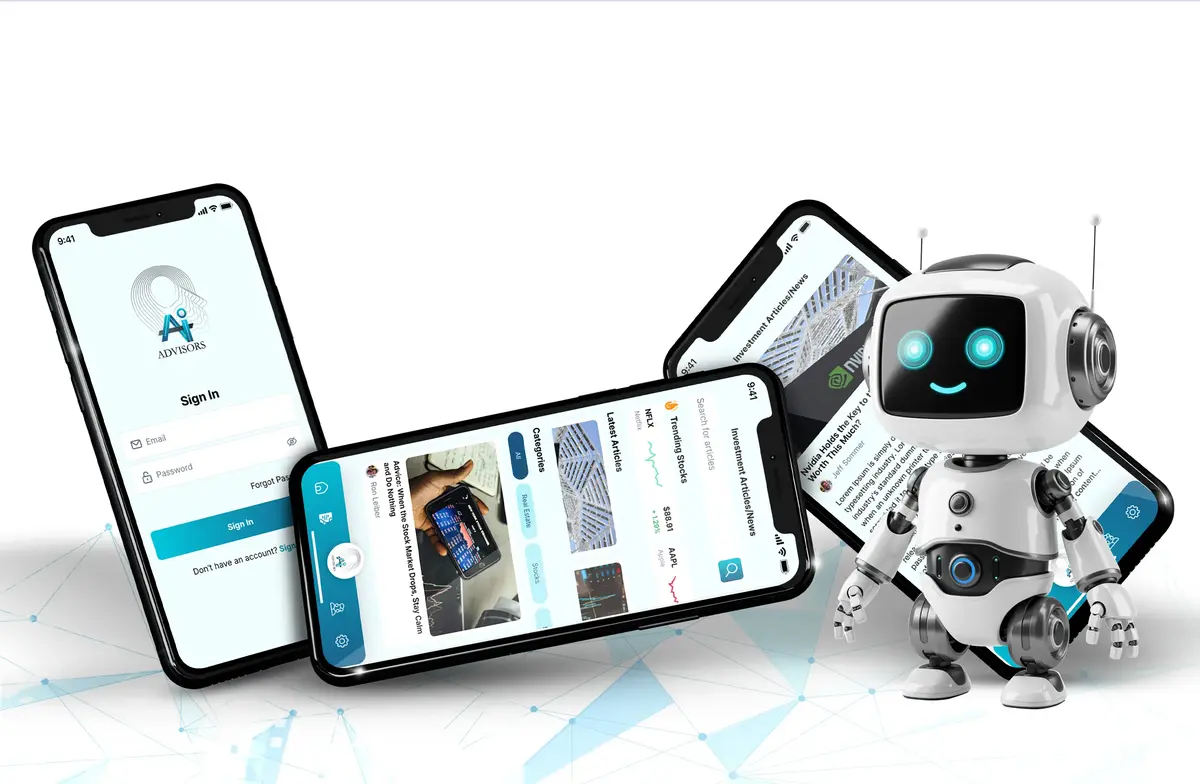
SIZ Group provides app prototype development for founders and product teams across the USA from our base in Austin, Texas. Since 2018 we have designed and developed 678 apps, and the projects that went smoothest almost always started with a prototype that settled the big questions early.
A prototype is a model of your app that looks and behaves like the real thing in the places that matter, without a backend, database or app store release behind it. It answers three questions: do people understand how to use it, do they want it, and can you explain it to someone who might fund it.
Changing a screen in a prototype takes minutes. Changing the same screen after it has been built, connected to an API and tested on two platforms takes far longer. That gap is the whole reason prototyping exists, and why we treat it as a separate stage rather than a quick design step.
We match the fidelity of the prototype to the question you need answered.
Grey boxes, placeholder text and simple arrows that map every screen and the paths between them. This is where we find missing steps, dead ends and features that do not need to exist, before any visual design time is spent.
Final colors, typography, real copy and realistic data, linked with Figma interactions, overlays and smart animate transitions. On a phone it is hard to tell apart from a finished app for the flows it covers.
We build the specific tasks we want to test, such as signing up, finding a product or booking a ride, as a clickable prototype that runs in the Figma mobile app. Test participants use it on a real phone, not a laptop screen.
Investors need to see a story in a few minutes. We script one clear path through the product with believable data and polished transitions, so the demo never hits an unfinished screen while you are presenting.
Some ideas cannot be judged in Figma, such as camera features, live location or gesture-heavy interfaces. For these we build a small coded prototype and send it to testers through TestFlight or Google Play internal testing.
When the prototype is approved, its components, colors and spacing become a documented design system. Developers inspect it in Figma Dev Mode, so the build matches what was tested.
Low fidelity is best early, when the structure is still open. People give honest feedback on rough wireframes because they can see nothing is final, and the team can test three different flows in the time one polished version would take.
High fidelity is best when the flow is settled and you need to test details or persuade someone: wording on a pricing screen, the order of onboarding steps, or an investor meeting next month. Our designers and developers, hired from the top 4% of applicants, plan both stages so nothing is drawn twice.
Talk to usOne team from first call to launch, with demos at every milestone.
We talk through your idea, users and goals, then write down the riskiest assumptions. These become the questions the prototype must answer.
We map every journey a user can take and sketch low-fidelity wireframes for each screen. You review the structure before any visual design begins.
We apply your brand, write real interface copy and link the screens in Figma with realistic interactions. The prototype is shared as a link you can open on any phone.
We run moderated test sessions where participants complete set tasks while thinking aloud. Problems that come up across sessions are fixed and retested in the next round.
The tested prototype is trimmed to the smallest feature set that delivers the core value. That scope, the design system and a technical recommendation become the brief for development.
Most prototypes live in Figma, with coded tools added when a question cannot be answered on a design canvas.
Two-sided products such as car marketplaces need both buyer and seller flows tested, because one confusing side stalls the whole market.
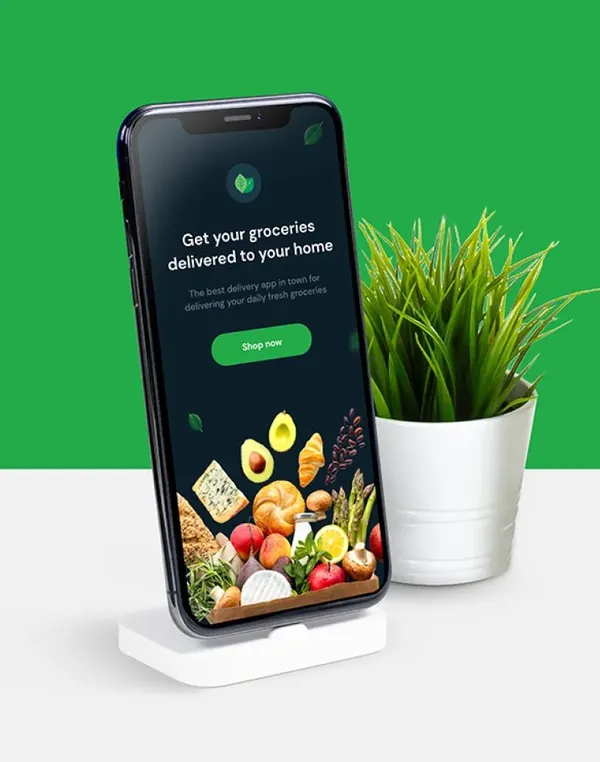
Driver booking and grocery delivery apps rely on status screens and live tracking. Prototyping these states shows whether users trust what they see while they wait.
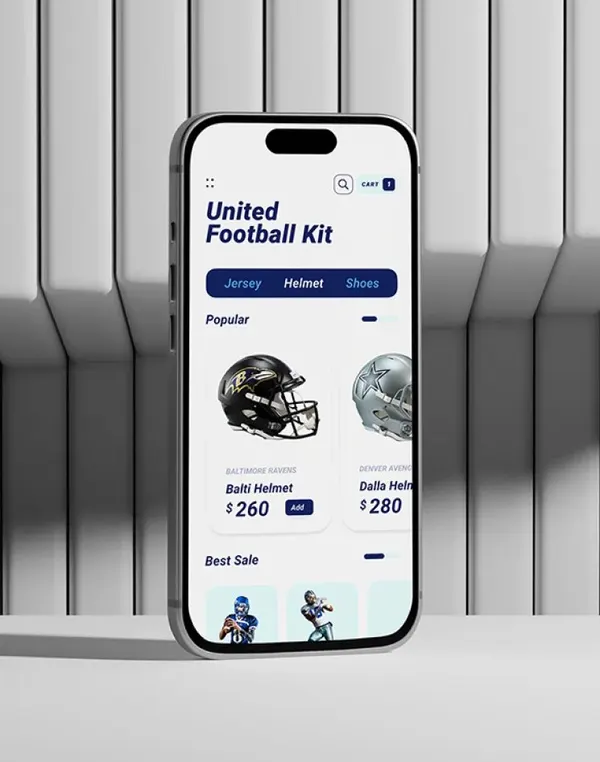
Product pages, filters and checkout are where shoppers drop off, so we test them before the catalog and payments are built.
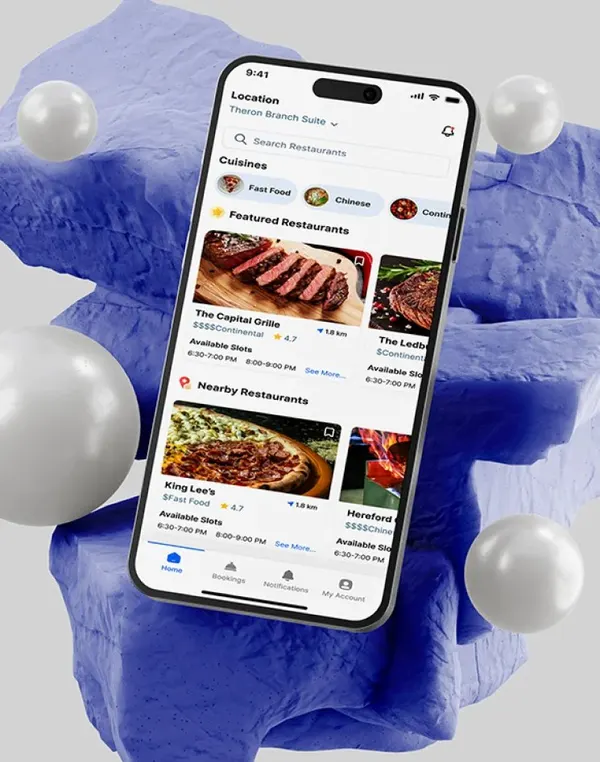
Discovery apps for trails, restaurants and travel live or die on how quickly people find something worth doing, which is easy to test in a prototype.
Prototype cost depends on how many flows you need covered, the fidelity level and how many rounds of user testing you want. A wireframe pass for one core journey is a small piece of work. A full high-fidelity prototype with multiple test rounds and an investor demo path is larger.
The prototype also lowers the cost of what comes next. MVP app development is easier to estimate accurately when every screen is already designed and tested, and there are fewer change requests once building begins.
Mobile apps at SIZ Group start at $4,500. Prototype and MVP costs depend on scope and are confirmed in writing after a free consultation, where we help you decide how much prototyping your idea needs before development.
Every project is scoped on a free call and confirmed in writing before work starts.
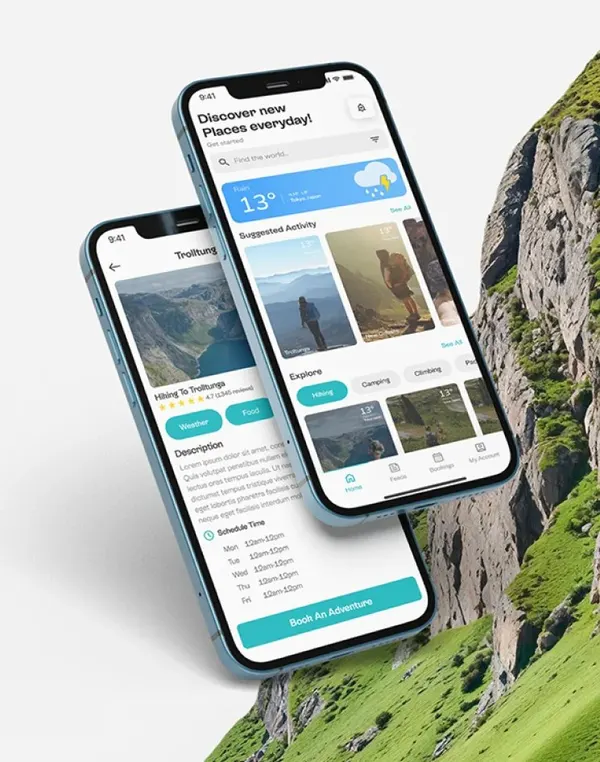
A prototype simulates the app so you can test ideas and present them, but it has no working backend. An MVP is a real, minimal app that users install and use with live data. We use the prototype to decide exactly what goes into the MVP.
Yes. A Figma prototype can be shared as a link and opened in the Figma mobile app, where it runs full screen and responds to taps and swipes. For demos we prepare a guided path so nothing unfinished is shown.
Small rounds work well for usability testing. A handful of participants who match your target users will reveal the most common problems, and it is better to run several small rounds with fixes in between than one large round.
No. If the goal is to agree on structure with your team, wireframes are enough. High fidelity is worth it for user testing of real tasks, investor meetings and handing a precise design to developers.
Our app prototype development is done by designers who work alongside our developers, so what you test is buildable. Since 2018 we have designed and developed 678 apps, and we can take your prototype through MVP, launch and support.
The design, components and copy carry forward directly. A Figma prototype is not code, so the app is still built in Swift, Kotlin, Flutter or React Native, but developers work from a tested design instead of guessing.
Book a free consultation and we will scope a prototype around the questions your idea needs answered.